I’ve made an app with this name once before, and it wasn’t good enough for me to use, even though I put a lot of work into the design (conceptual and visual) and performance. I have a hypothesis for why it didn’t work out:
- It had time tracking as its core feature. It turns out, I don’t care how exactly I’ve spent my time! It’s very important, of course, but I can just measure it by looking at a calendar. How many days of this year have passed? Simple as. The thing that does matter is output, being able to see what the time amounted to and judge if it was worth it.
- It was based on text entries. Even the design of the app was such that it only looked good when multi-line text entries were added to each day. It took a while for me to realise I hate looking at plain text. I feel nothing when looking back on entries that describe something I’ve made or work I’ve tracked. I hate writing them even more, they don’t capture enough.
- I was trying to make it easy to add entries. But that doesn’t matter if I never look back on it. Writing about the past is just not that interesting. Intrinsically, it has no hold over my mind the way the present does. Nor is it worth thinking about, relative to the future.
At first I thought the problem was friction: the higher the activation energy to using a tool, the less likely you are to use it. Even a small amount of friction can cause me to go, oh, who cares, can’t be bothered. So each version gets progressively more frictionless.
…
And yet I still don’t use it. Why?
Fernando Borretti, Unbundling Tools for Thought
To improve over these problems will require a new approach that includes multiple representations that make it feel good to gather retrospective material, and look at it later. Alongside solving this design problem, I would also like to find ways to add The Future to this application’s concept space. When thinking about presenting information in ways that are resonant enough to look back on, while also avoiding the act of writing; a simple solution presents itself:
Images
In particular, screenshots — perhaps the most underrated digital record of our era given their ubiquity and sheer ease of use.
When thinking about media that can survive millennia, I’m more confident in diagrams that communicate through visual patterns than in any kind of digital file format that depends on a working decoder to be visualized, or in a single language as the chosen vehicle for information. The Rosetta Stone, through visually paired symbols, transmitted distant languages in a redundant format that could be deciphered in the far future with minimal context. If computation is the execution of algorithms on structured data, then screenshots may prove naive. But if computation is the shepherding of information through space and time, then they may prove essential.
During the opening of the conference, Omar honed in on the subversive nature of the screenshot. In popular computing, it circumvents the app siloes that define our contemporary digital ecosystems. A screenshot doesn’t need a log in, bypasses DRMs, and is interoperable between practically every single computational device. Even in the “high-culture” of computing, where text is dominant, screenshots prove subversive. The screenshot is unstructured information which must be parsed to offer the tidy data best suited to computer hacking. They are seen as verbose and unwieldy, despite universal adoption. The Tao of Unix is text files, not bitmaps.
cristóbal, tweeting
This supremacy is partly a result of the failures of the URL:
The dream of URLs—open, permissionless sharing—is fading. I can’t paste URLs into my AIs or send them to my friends and be sure that they’ll see what I see. But you know what does work? Screenshots! Screenshots are the successor to URLs. Open, permissionless sharing.
zooko🛡🦓🦓🦓 ⓩ, tweeting
And their “resonance factor” completely trounces text. Even without invoking the old adage about being worth a thousand words, just looking at a grid of images is a more pleasurable activity than if it was lines upon lines of uniform words. I have verified this empirically too: I actively enjoy looking back at my LOG note in Bear, which can be thought of as version 0 of this app. When I just wrote text entries I never scrolled down to old ones.
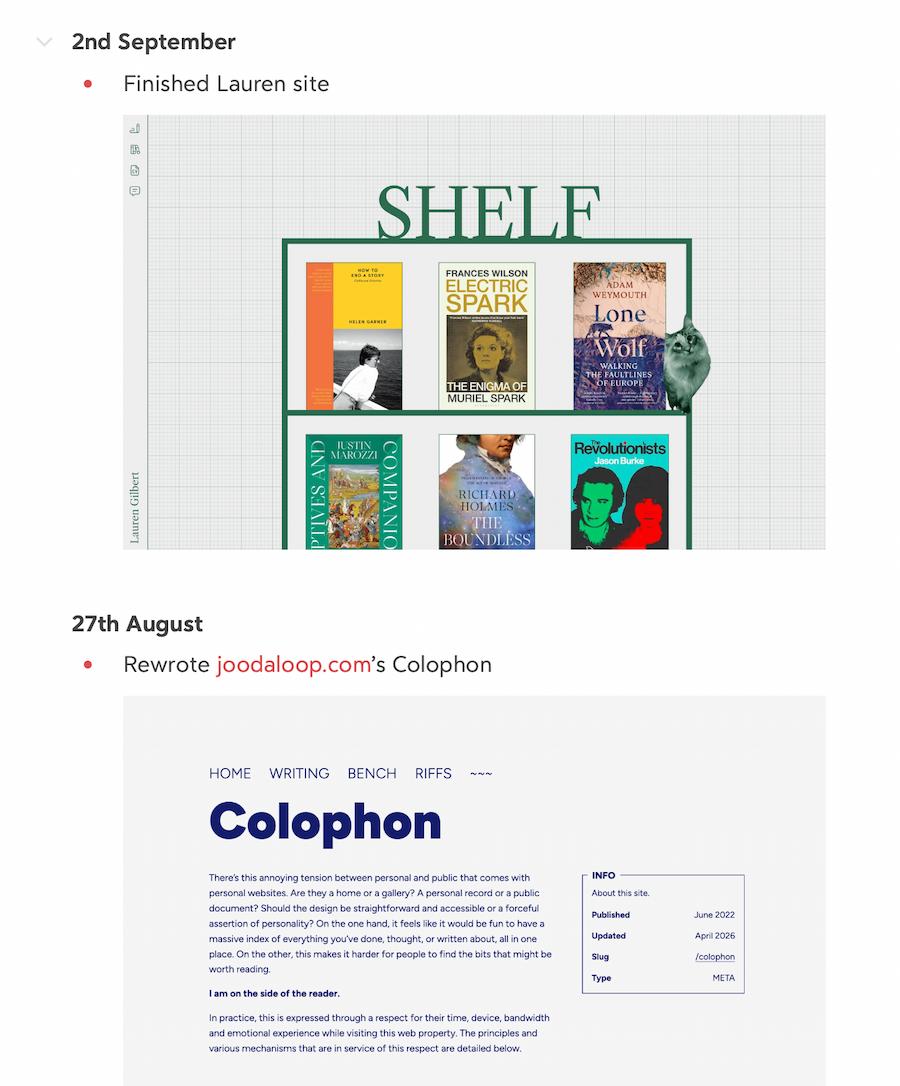
So this new journal will use the image as its primary object. Outputs and in-process work can all be captured by screenshots. In fact, a series of screenshots can act as a blink comparator of sorts, making it easy to feel the change.
Concepts
Conceptual simplicity is necessary to keep from spiralling into an everything app. If you don’t draw hard lines in the sand, you end up trying to build universal timelines and operating system interfaces based on time. They’re cool, but they don’t share my far less ambitious goal of retrospection.
A simple data model encourages client freedom. So features like OCR, near-duplicate detection, color filters, etc. can be left up to clients instead of being added to the core data model.
Honestly, all I’m doing is asking the question “what if Twitter was the best journalling app?”. Except, instead of threads, things are connected by searching for text terms instead. Or is “replying” worth it as a mechanism to connect progress-specific events across time?
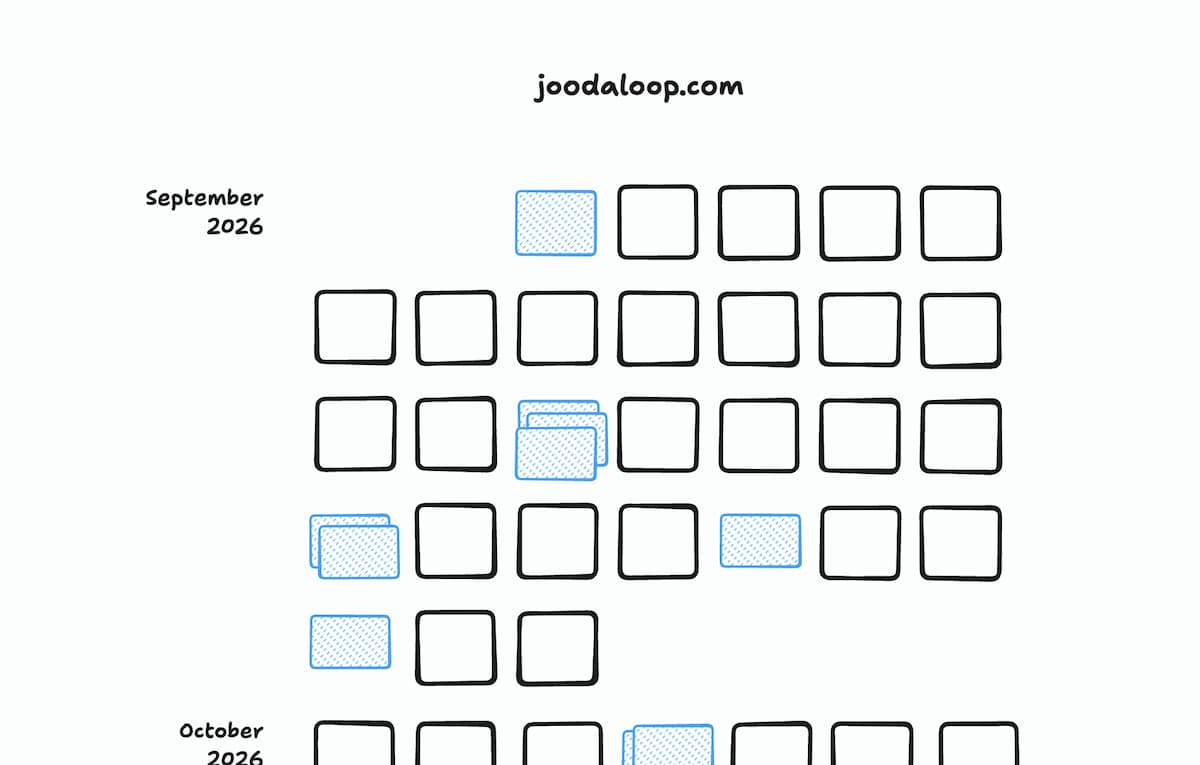
Days as the unit of time
Because I’ve never found myself caring about anything more granular than that. In the long run, you will not care if you did something by 6pm or 6am, just the fact that it was done.
Entries
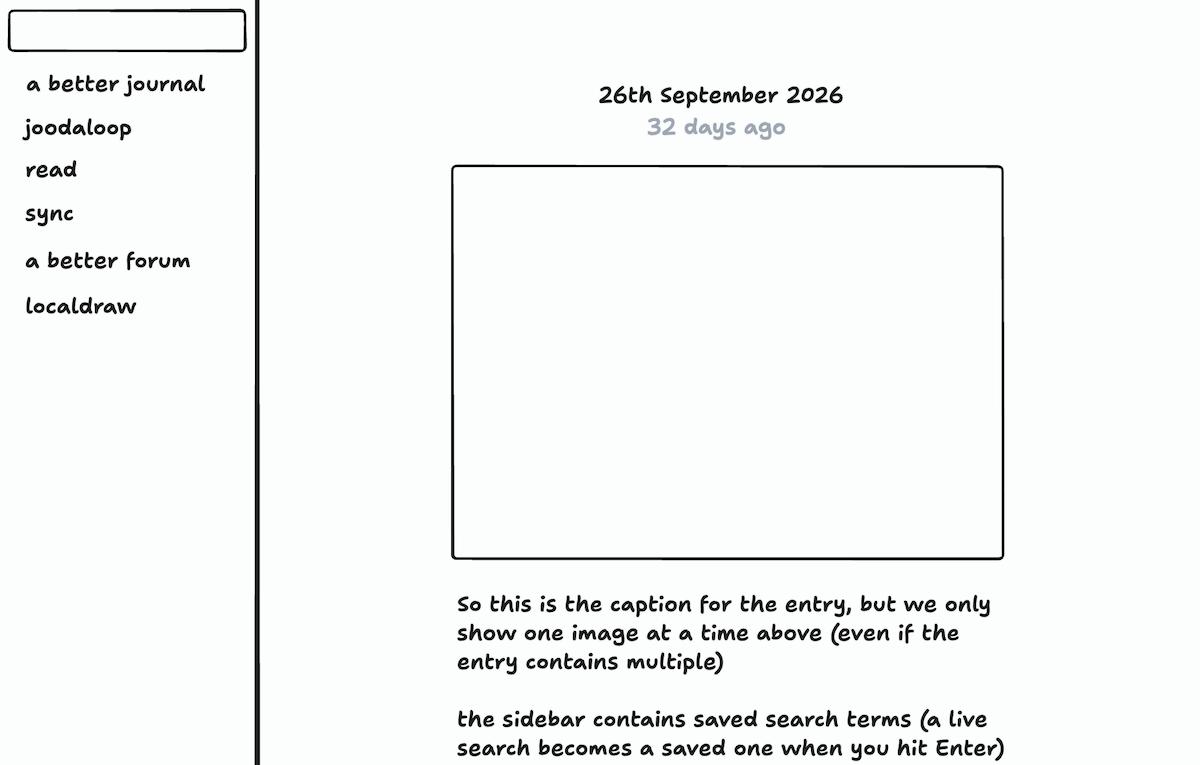
An entry is just a combination of a text caption and one or many media files (images/video/what else?) that is appended to a particular day. Since we only care about time on the granularity level of a day, there’s no additional time information needed.
Entries might contain additional metadata (like starring special entries) but those are independent of the core schema of text and media.
Text search as categorisation
As even a fledgling ontologist knows, tags are a dangerous thing. Unless carefully hatched in a context of use, they can spiral into infinite combinations of generic descriptors. They also (usually) need a relational database of some kind to implement well.
We will not be using tags; instead relying on fast text search across all entries in the journal. When I add entries like “Published worknote for Better Journal” and “Design first UI for Better Journal”, they are both trivially gathered into one project by the search term “journal”. The more tag-crazy among us might even resort to #journal hashtags, but I’m hoping the simple capabilities of a prose description proves enough to discourage them.
Of course, commonly searched terms can be saved as one-click actions, such that they feel as good as using tags.
Predictions
How can one bring the future into a system that is focused on creating good pictures of the past? My answer is “calibration practice”.
You can create Predictions, entries dated in the future, that say “I will have done X by date Y”. On the day you make a journal entry about actually doing it, you can connect the prediction to it. This can be used to calculate a Brier-esque score for timeliness predictions in your personal life. Fun possibilities for graphs here, including being able to see how your prediction ability itself changes over time.
Period
A period consists of a title and a day range (end date can be left open-ended). Their main use is to be able to map a length of time in which a life change occurred against your predictions. But they also enable you to see which entries fall during a particular season of your life (like a vacation or illness).
Interface
As always, iteration will prove invaluable. So even if my ideal client is a native Mac app, I will build UI demos on the web first.
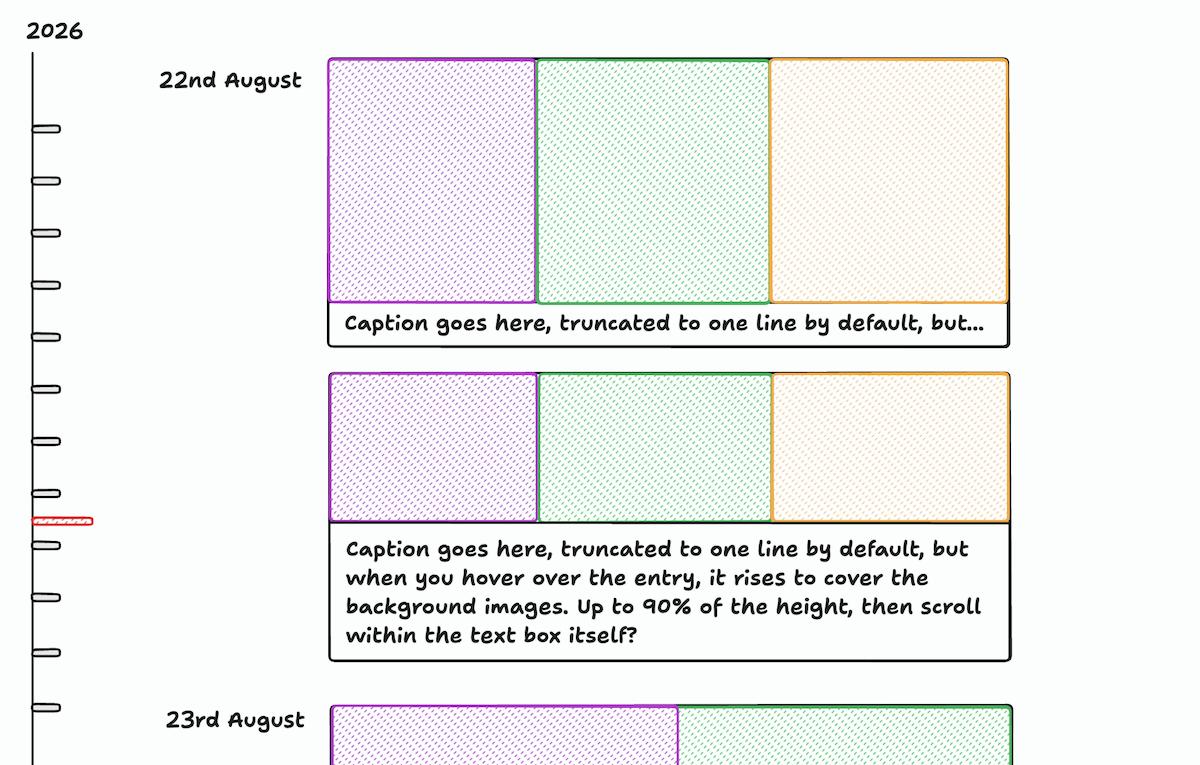
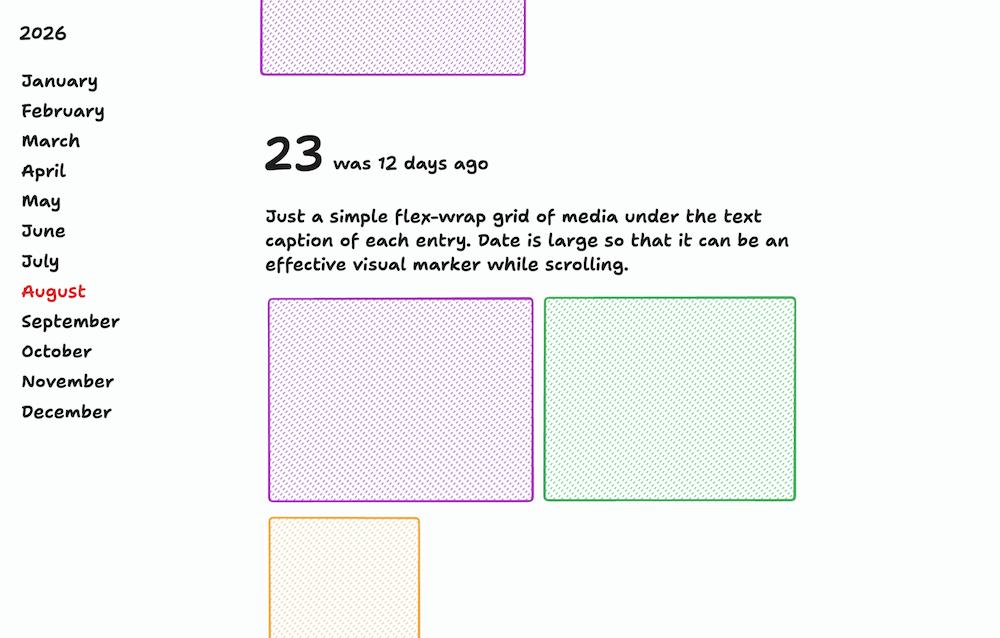
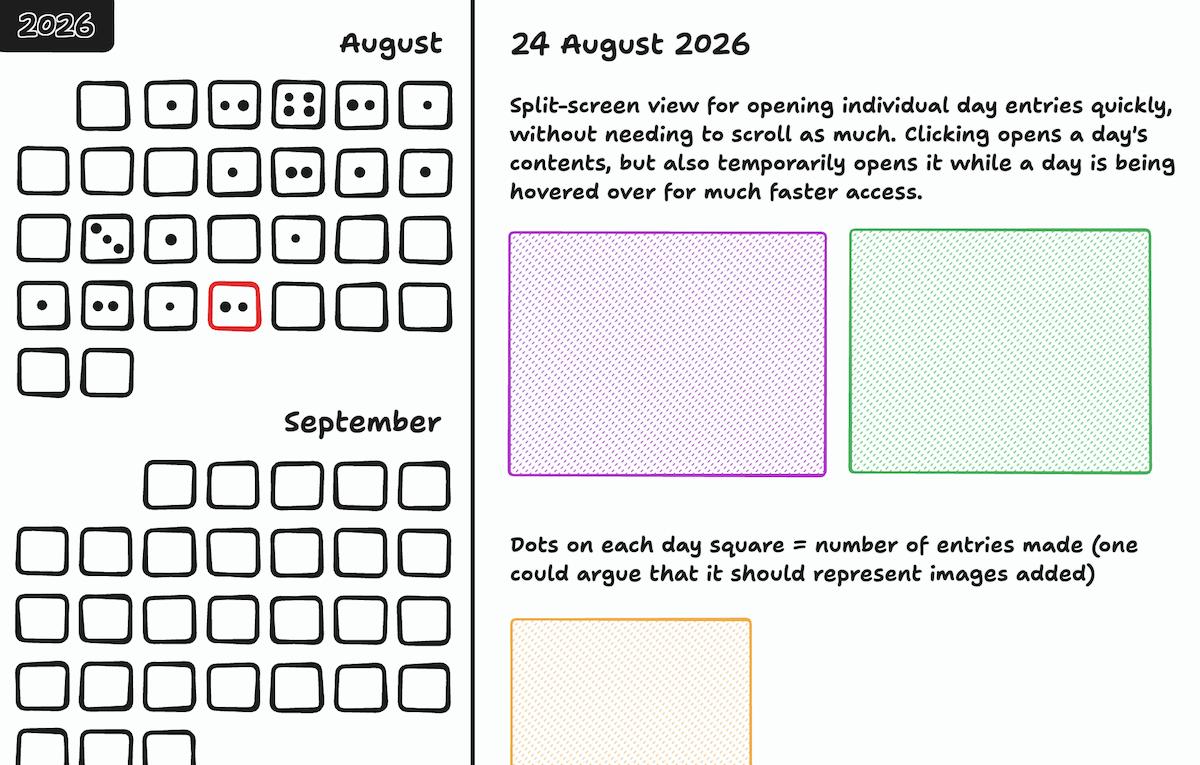
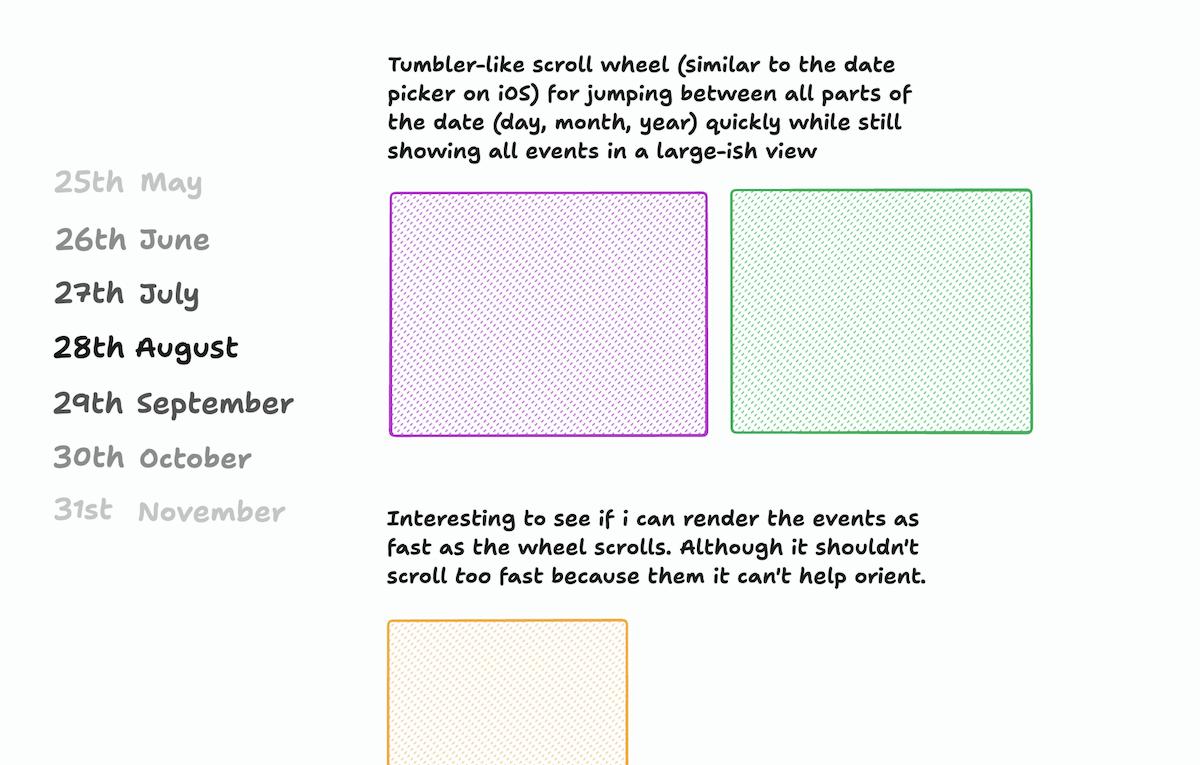
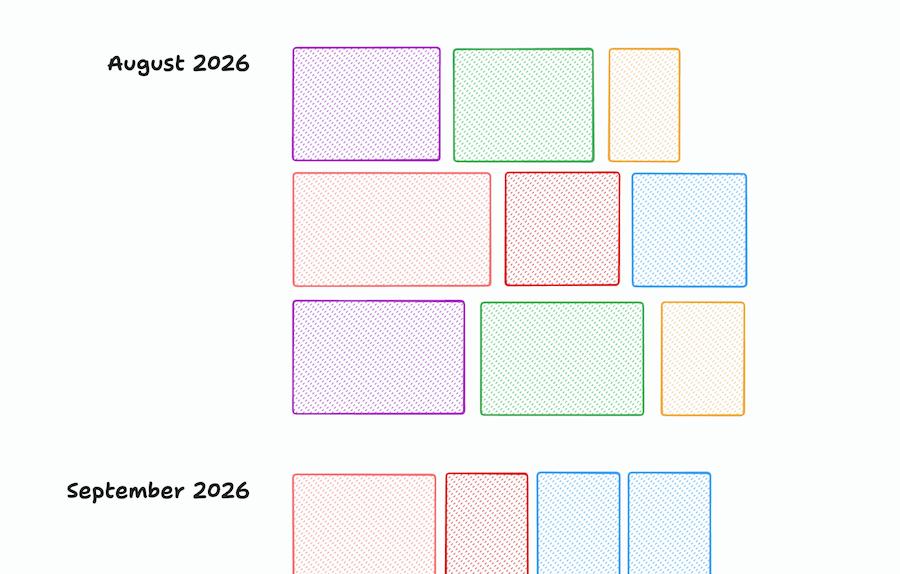
I will try to design + prototype at least 2 layouts per week, starting in September, and record all the design sketches here:
References
If you feel like commenting on this post, send me an e-mail at judah@joodaloop.com. I check all mail and respond within 2 days.
Info
Better views of the past and future
- Published
- Type
- WORKNOTE